



Tips for MAZDA Connect™ Updates
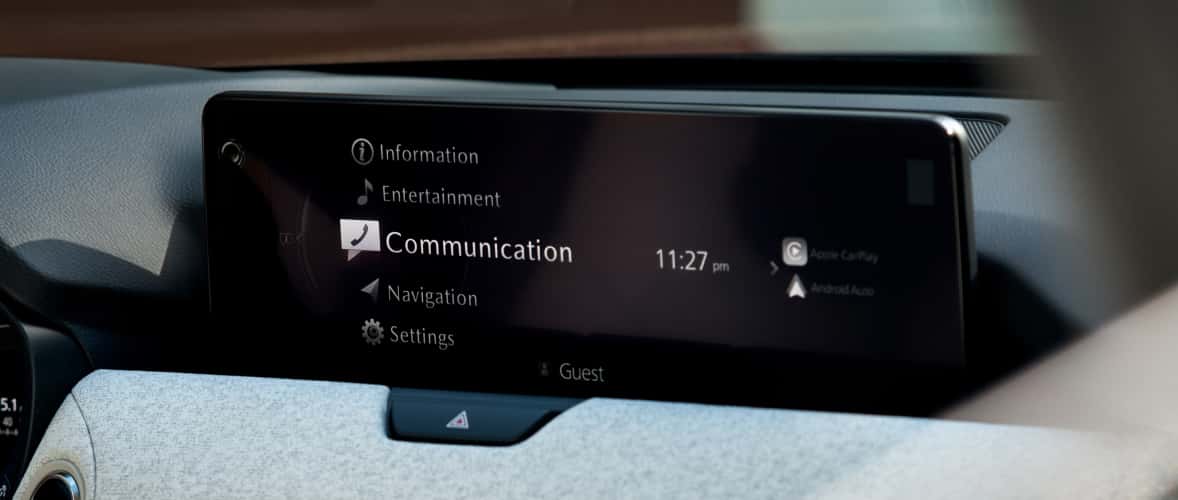
New Mazda vehicles are impossibly modern. However, to keep yours as up to date as possible, you’ll need routine Mazda Connect™ updates. Modern Mazda provides an inside look.
MAZDA Connect™ Overview
Mazda Connect™ is the infotainment system for new Mazda models. Consider it the hub for your vehicle’s settings, connectivity, entertainment, and navigation.
The system is also compatible with Apple CarPlay® and Android Auto™ integration, so you can pair your vehicle’s touchscreen with your device. You can also control or connect with simple voice commands.
MAZDA Connect™ Updates
The Mazda Connect™ system does need to be updated on an as-needed basis. Generally, you’ll need updates once or twice per year.
If your system starts glitching or having trouble loading, you likely need an update. You can manually check to see if you need one, by going to your Settings, selecting System and then Software Update, and choosing “Check for Software Updates”.
Updating Your System
If your vehicle is due for an update, completing one is easy. Once you’ve checked for updates, simply click “Update” and accept the terms of use.
The update occurs in the background, so you can still drive your car like normal. However, once it’s done, you’ll need to restart your vehicle for it to be finalized.
Scheduling Automatic Updates
In some new models, Mazda Connect™ updates are done automatically. If Over-the-Air (OTA) updates are enabled, your system will notify you when an update is necessary. It does require your approval for the update to occur, so you’ll get a prompt asking for confirmation.
You can schedule automatic updates by going to your Settings, selecting System, and choosing “Automatically Check for Updates”.
Schedule MAZDA Service in Thomaston, CT
Do you need help updating your system? Our trained technicians are happy to assist you. Stop by Modern Mazda to get started today!
0 comment(s) so far on Tips for MAZDA Connect™ Updates