



How to Update Your MAZDA3 Infotainment System
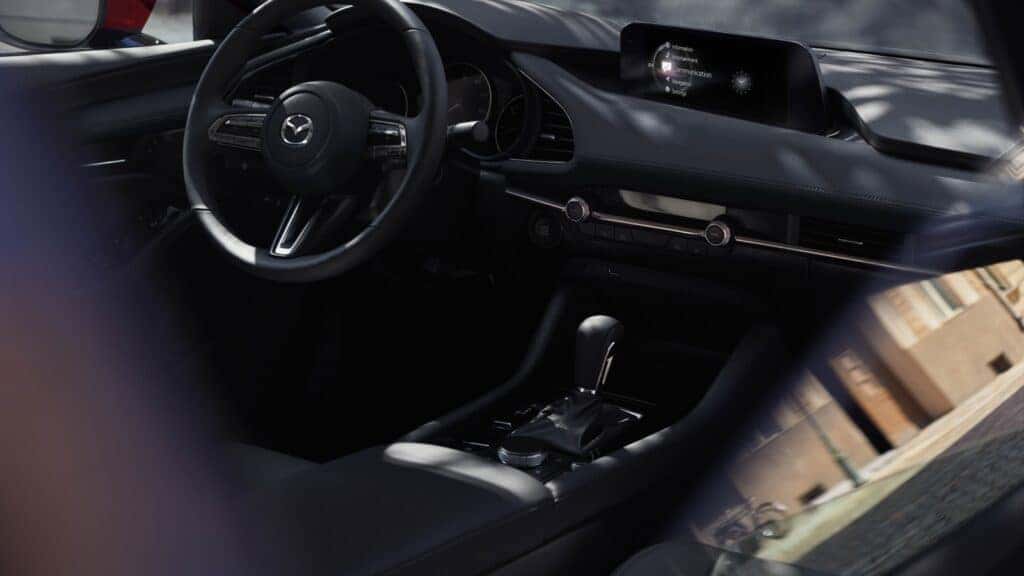
Do you need a Mazda3 infotainment update? Updating your system is a relatively simple process. Modern Mazda is outlining how to complete an update to keep your system working its best.
All About MAZDA Connect™
The Mazda3 infotainment system is also known as Mazda Connect™. The system, which can also pair with your device using Apple CarPlay® or Android Auto™ integration, provides entertainment, navigation, and more. You can access the features using the cabin’s large touchscreen display or connect hands-free through voice recognition.
Ways to Update Your System
There are two ways to update your Mazda infotainment system. You can simply update within the settings in your cabin, or you can use the Mazda Toolbox. The Mazda Toolbox is a free software program used to manage your system’s content.
Initiating an In-Cabin MAZDA3 Infotainment Update
To update your system in your vehicle, navigate to the “Settings” menu on your touchscreen. Then, click the “System” tab and choose either “Software Update” or “Check for Software Updates.”
If an update is available, you can manually update the system by simply clicking “Update,” agreeing to the terms, and then restarting your vehicle once it’s complete. You can also opt to enable the “Automatically Check for Updates” option for the future.
Updating the Infotainment System via MAZDA Toolbox
Mazda Toolbox is used primarily to update your navigation system. First, you’ll need to download Mazda toolbox and create an account. Next, you need to eject the SD card from your navigation system, insert it into your computer, and follow the on-screen instructions. Finally, reinsert the SD card into your navigation system.
Schedule MAZDA Service in Thomaston, CT
If you still have questions about updating your infotainment system, we’re happy to help. Our trained and certified technicians at Modern Mazda will get you up to date in no time. Stop in and see us today!
0 comment(s) so far on How to Update Your MAZDA3 Infotainment System