



How to Reset the Radio in a MAZDA Vehicle
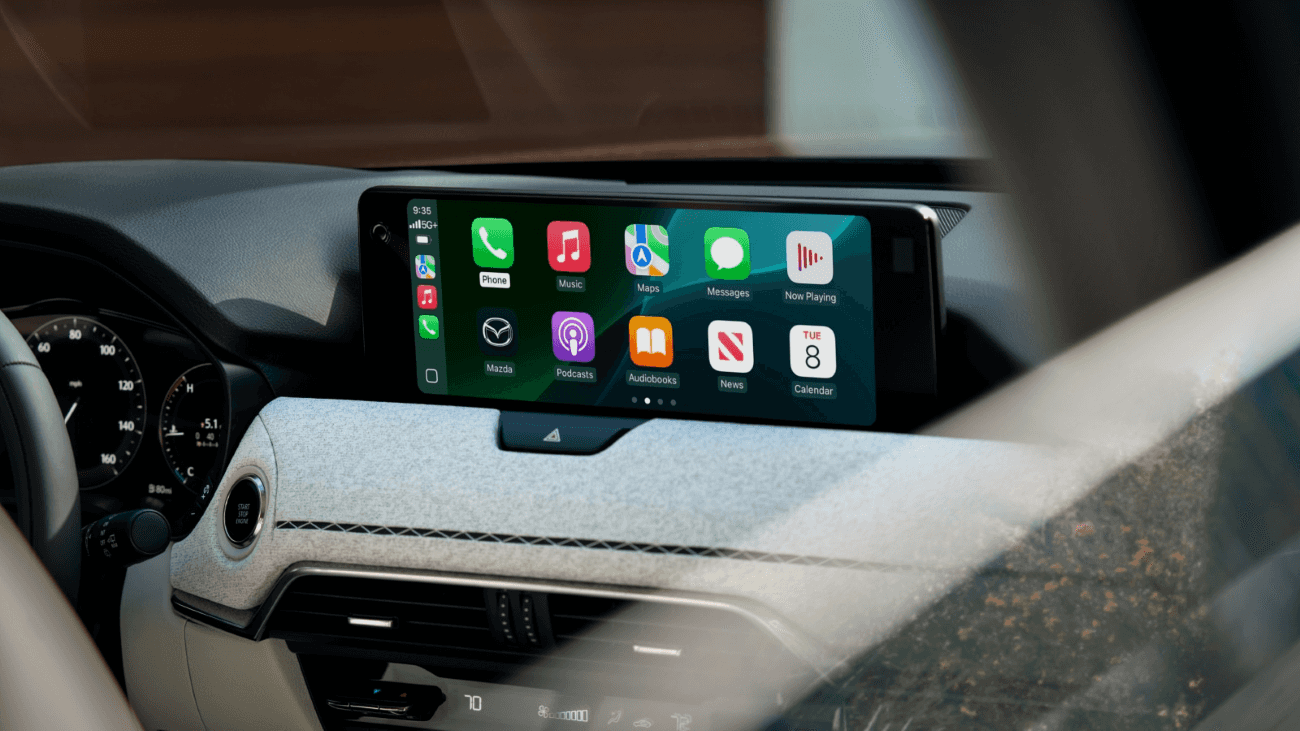
Vehicles can come with lots of questions from how to enjoy your favorite entertainment to how to reset radio features. We want you to get the most out of your new Mazda vehicle. Modern Mazda details how to reset your radio so you can do exactly that.
Infotainment System Reset
If you drive a newer Mazda model, your entertainment is run through your infotainment system. If you’re experiencing issues with your system, a reset is simple.
Press the music, navigation, and volume buttons down simultaneously. Hold down all three buttons for at least 20 seconds and wait while the system automatically reboots.
Bluetooth® Reset
The issue you’re experiencing could be due to your Bluetooth® connection. If your vehicle doesn’t seem to want to pair to another device, you can quickly reset the connection through your infotainment menu.
Select “Settings” from the home screen, then choose “Devices” and “Bluetooth.” Select the device giving you trouble and choose “Delete Paired Device.” Once it’s removed, put your phone back into pairing mode and reconnect it through the Bluetooth menu as you did the first time.
Software Update
When all else fails, it may be time for a software update. Software updates can take 30 minutes, or even an hour, so we recommend completing the update at home. Follow these simple steps to update your software:
- Choose “Settings” from the home screen
- Click “System”
- Search for the appropriate update (Gracenote, OS, etc.)
- If an update is available, a download will appear
- Select the download
- Confirm once it’s completed
Schedule MAZDA Service in Thomaston, CT
If you still have questions about resetting your radio, or it doesn’t seem to be working, we can help. With a quick visit with our Mazda-trained technicians, we can get you up and running in no time. Visit Modern Mazda to get started today!
0 comment(s) so far on How to Reset the Radio in a MAZDA Vehicle