



Troubleshooting MAZDA Infotainment System Problems
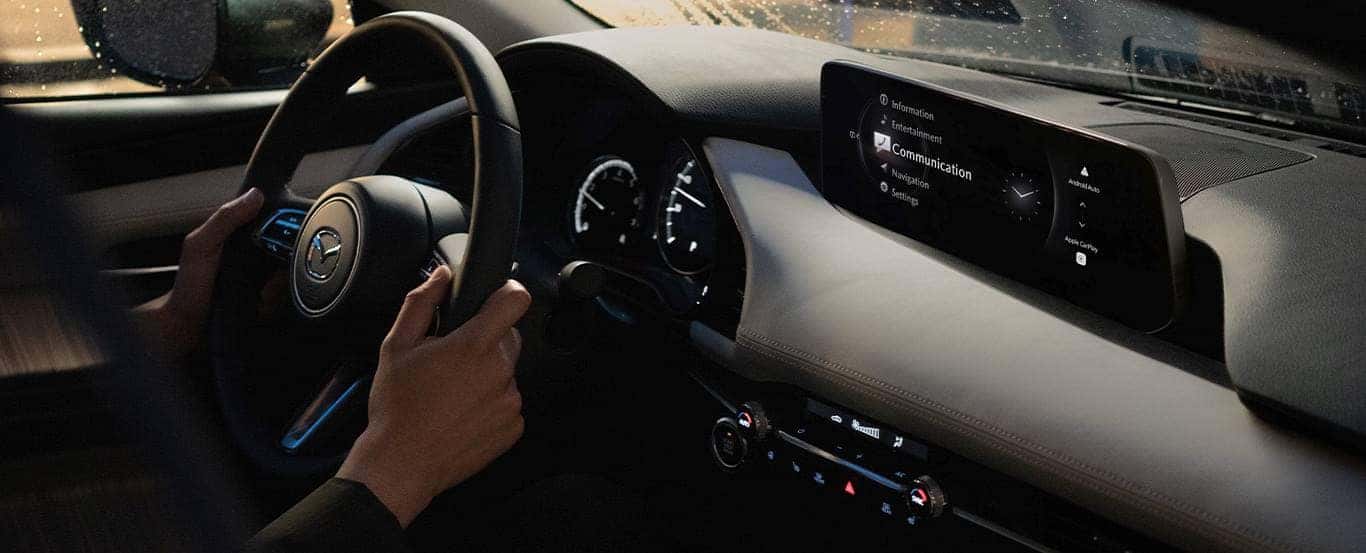
Whether you have a new or pre-owned Mazda car from a recent model year, your vehicle likely has a MAZDA CONNECT™ infotainment system that includes a user-friendly display. As modern as that system is, you may need to make an appointment to reset Mazda infotainment with our Mazda service center from time to time. Before you do that, however, you can try some of these tips and tricks from the team at Modern Mazda to get your infotainment system back into working order.
Turn Off/On the MAZDA CONNECT™ Infotainment System
It’s disconcerting to see, but sometimes an infotainment system’s display reveals nothing but a black screen. While a black screen may be the result of a problem with the backlight or power source, it’s normally a sign that someone accidentally turned the infotainment system off. In many Mazda vehicles, the volume control is also the system’s on/off button. Press that button to turn your system on or off and then on again.
Reset MAZDA Infotainment Settings
When they contact our Thomaston, CT Mazda dealership, some drivers say their infotainment display is frozen or that they’ve noticed an increase in the screen’s lag time. Resetting the system often resolves those issues, and it’s a simple process.
To reset your MAZDA CONNECT™ system, press the volume, back, and NAV buttons simultaneously for about 10 seconds or so. Resetting the system may erase your preset audio settings, but you can reprogram them easily.
Perform an Update
Not long ago, drivers would visit our Mazda service center whenever it was time to update their infotainment systems. Now, you can update your MAZDA CONNECT™ system on your own.
To update your system, select Settings on the home screen and then choose Systems. If there’s an update available, you should select Download to install it.
Visit Our MAZDA Parts Center in Thomaston, CT
On occasion, resolving issues with your infotainment system is as simple as turning your Wi-Fi or Bluetooth® off and on again. Other times, the issue may require you to pick up replacement parts in our Mazda parts center. A damaged display screen, an overheated amplifier, and a malfunctioning backlight are examples of parts that will need to be replaced.
If your system requires replacement parts to work properly, you can trust the experts in our Mazda service center to install them for you. To learn more about how you can remedy infotainment system issues, give us a call or visit our convenient location. We look forward to sharing more tips and tricks with you soon.